
Cookie Consent for Modern Websites
Add a fully customizable, simple, lightweight cookie consent banner to your website using a fast and dependency-free JavaScript library. WM Cookie Consent helps you meet privacy regulations while giving visitors clear control over their data preferences.
View DocumentationFree forever with full compliance.
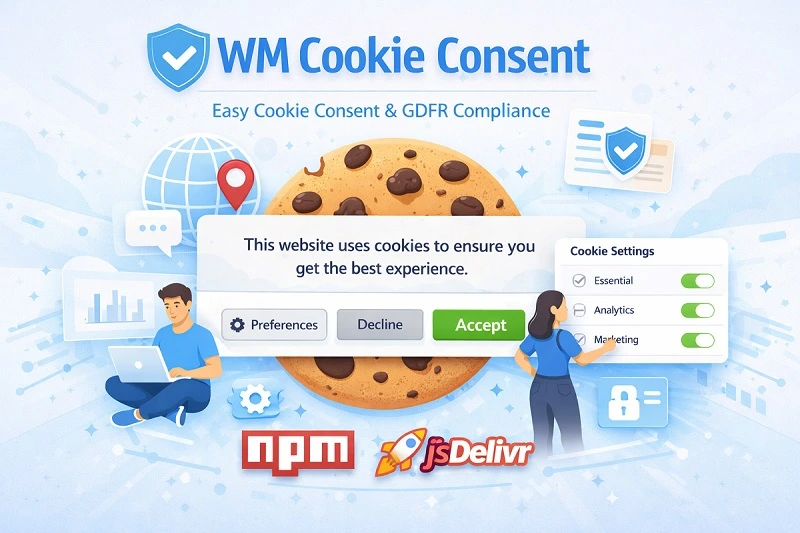
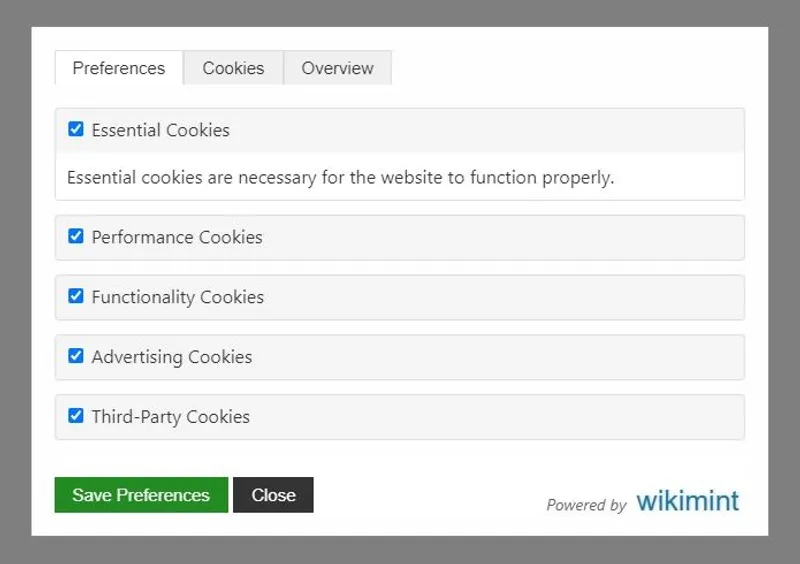
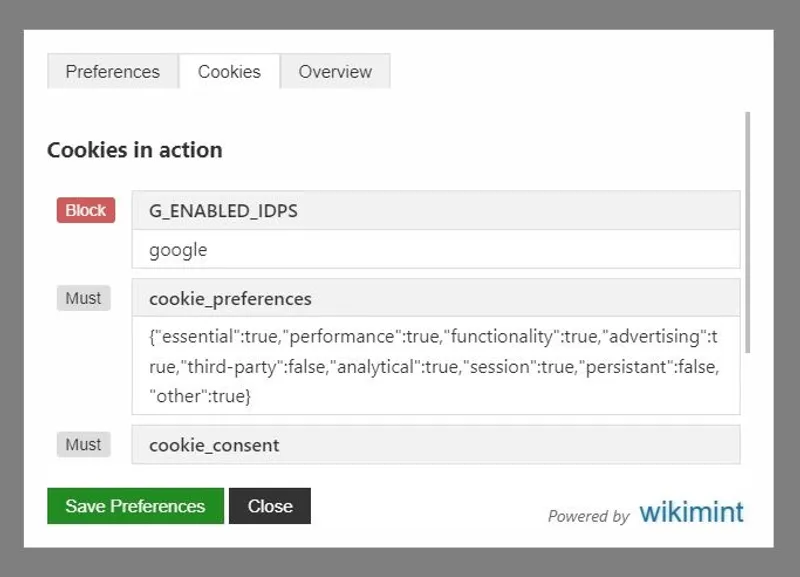
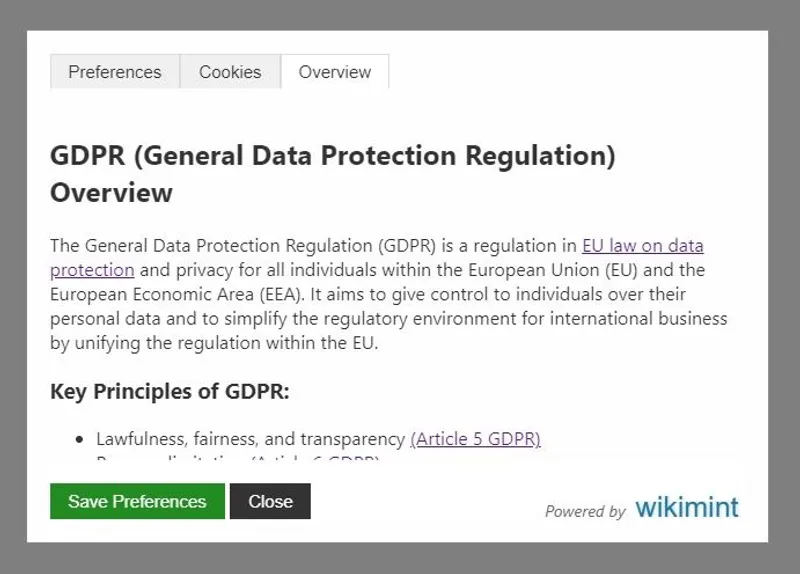
WM Cookie Consent
Privacy & Analytics Library
Version 1.0.4
A proprietary, high-performance privacy management library. Includes free consent tools and basic analytics, with advanced reporting available for professionals.
Starting from: $0
Basic: Free consent banner and high-level traffic analytics.
Pro: Detailed user behavior insights and compliance heatmaps.
Key Features
- GDPR & DPDP Compliant Consent Banner (Free)
- Basic Consent Analytics (Free)
- Detailed Consent Analytics (Paid)
- Custom Compliance Reporting (Paid)
Library Size: 4.69KB
Setup Instructions and Documentation
Implementation Guide
This section explains how to set up WM Cookie Consent on your website using a simple three-step process. By following these steps, you can ensure that cookies and third-party scripts are loaded only after user approval.
Quick Setup Guide
Follow this step-by-step documentation to integrate WM Cookie Consent into your website. These instructions will help you add the consent banner, block third-party scripts, and configure banner settings with minimal setup.
Step 1: Add the CDN Script (Mandatory)
Include the WM Cookie Consent script in the <head> section of your website. This initializes the consent banner and controls script loading.
<script
  src="https://cdn.jsdelivr.net/gh/wikimint/wm-cookie-consent@1.0.13/dist/wm-cookie-consent.min.js"
  crossorigin="anonymous">
</script>
This script must be loaded before any analytics, advertising, or third-party scripts.
Step 2: Block Third-Party Scripts Until Consent (Mandatory)
To prevent cookies from loading before user approval, replace the src attribute of third-party scripts with data-src and change the script type to text/plain. Finally, Add a new attribute data-consent with relevant values based on the allowed categories listed below:
analyticsadsperformanceessentialthirdpartyfunctionalitypersistentotherssession
WM Cookie Consent will automatically activate these scripts after the user grants permission.
Example: Google Analytics
<script
  type="text/plain"
  data-src="https://www.googletagmanager.com/gtag/js?id=G-XXXXXXXXXX"
  data-consent="analytics">
</script>

<script type="text/plain" data-consent="analytics">
  window.dataLayer = window.dataLayer || [];
  function gtag(){dataLayer.push(arguments);}
  gtag('js', new Date());
  gtag('config', 'G-XXXXXXXXXX');
</script>
Example: Google AdSense
<script
  type="text/plain"
  data-src="https://pagead2.googlesyndication.com/pagead/js/adsbygoogle.js"
  data-consent="ads"
  async>
</script>
These scripts will remain inactive until the user accepts the corresponding cookie category.
Step 3: Customize the Consent Banner (Optional)
You can configure the consent banner directly through attributes on the CDN script tag.
<script
  src="https://cdn.jsdelivr.net/gh/wikimint/wm-cookie-consent@1.0.13/dist/wm-cookie-consent.min.js"
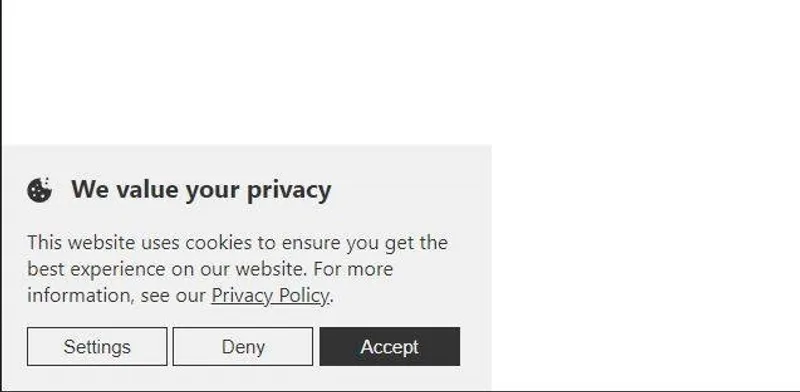
  data-consent-title="We value your privacy"
  data-consent-description="This website uses cookies to ensure you get the best experience on our website."
  data-policy-url="/privacy-policy"
  data-policy-title="Privacy Policy"
  data-theme="light"
  data-position="bottom-left"
  data-cookie-manage="true">
</script>
Configuration Attributes Explained
1. data-consent-title
Defines the main heading displayed in the cookie banner.
Exampledata-consent-title="We value your privacy"2. data-consent-description
Controls the message shown to users explaining why cookies are used.
data-consent-description="This website uses cookies to ensure you get the best experience on our website."3. data-policy-url
Specifies the URL of your privacy or cookie policy page.
data-policy-url="/privacy-policy"4. data-policy-title
Sets the text label used for the privacy policy link.
data-policy-title="Privacy Policy"5. data-theme
Controls the visual theme of the banner.
Available options:
lightdark
data-theme="light"6. data-position
Determines where the banner appears on the screen.
Available positions:
top-lefttop-rightbottom-leftbottom-right
data-position="bottom-left"7. data-cookie-manage
Allows users to reopen and modify their cookie preferences after making a choice.
Available options:
truefalse
data-cookie-manage="true"When enabled, users will see a “Manage Cookies” option so they can update their preferences at any time.
Frequently Asked Questions

Ready to Add Cookie Consent to Your Website?
WM Cookie Consent makes it simple to display a privacy-friendly cookie banner and control when third-party scripts load. Set it up in minutes using CDN or NPM and give your visitors clear control over their data preferences.
View Setup GuideWM Cookie Consent is a lightweight JavaScript library that helps website owners display a cookie consent banner and manage user preferences. It blocks non-essential scripts until a visitor provides permission, ensuring cookies and third-party services only load after consent is recorded. This approach helps websites respect user privacy while maintaining full control over how and when tracking technologies are activated.
WM Cookie Consent provides core features commonly found in a consent management platform, such as cookie categorization, user preference storage, and script blocking before consent. While it is lighter than enterprise CMP tools, it offers the essential functionality needed by most websites without adding heavy third-party scripts or complex dashboards.
Yes, WM Cookie Consent is built using vanilla JavaScript, which means it works on static websites, single-page applications, and traditional server-rendered platforms. It can be added to projects built with frameworks like React, Vue, Astro, or simple HTML pages without requiring changes to your existing architecture or build process.
WM Cookie Consent helps websites implement important privacy practices such as displaying a clear cookie banner, collecting user consent, and preventing non-essential cookies from loading before permission is granted. These features support common compliance requirements found in regulations like GDPR and other regional cookie laws, though final legal compliance depends on proper configuration and policy documentation.
You can install WM Cookie Consent using NPM for modern development environments or include it directly through a CDN for quick integration. With NPM, you import the library into your JavaScript project, while the CDN option allows you to add a simple script tag to your HTML and initialize the consent banner with a few configuration settings.
Yes, WM Cookie Consent supports persistent preference management. You can provide a settings button or link that allows visitors to reopen the consent panel and modify their selections at any time. This helps maintain transparency and gives users ongoing control over which types of cookies and tracking technologies are allowed on your website.
The library is designed to be lightweight and dependency-free, which keeps file size small and loading times fast. Since it prevents third-party scripts from loading until consent is granted, it can actually reduce the amount of JavaScript executed on initial page load, improving performance metrics and user experience on slower connections.
Yes, WM Cookie Consent provides full control over the appearance and content of the consent banner. You can adjust colors, fonts, layout, button labels, and message text to match your website’s branding. This ensures the banner looks consistent with your design rather than appearing as a generic or mismatched overlay.
WM Cookie Consent allows you to mark scripts with custom attributes so they are not executed when the page loads. Once a visitor accepts a specific cookie category, the library dynamically activates only the scripts associated with that category. This ensures that analytics, advertising, or embedded third-party services remain inactive until permission is granted.
Yes, WM Cookie Consent is particularly useful for freelancers, small businesses, and developers who want a simple privacy solution without paying for a full enterprise consent management platform. It provides essential consent features while remaining easy to deploy, making it a practical choice for projects where simplicity, speed, and control are priorities.

